Enhancements in Smart Zoom: Take Your PDFs to the Next Level
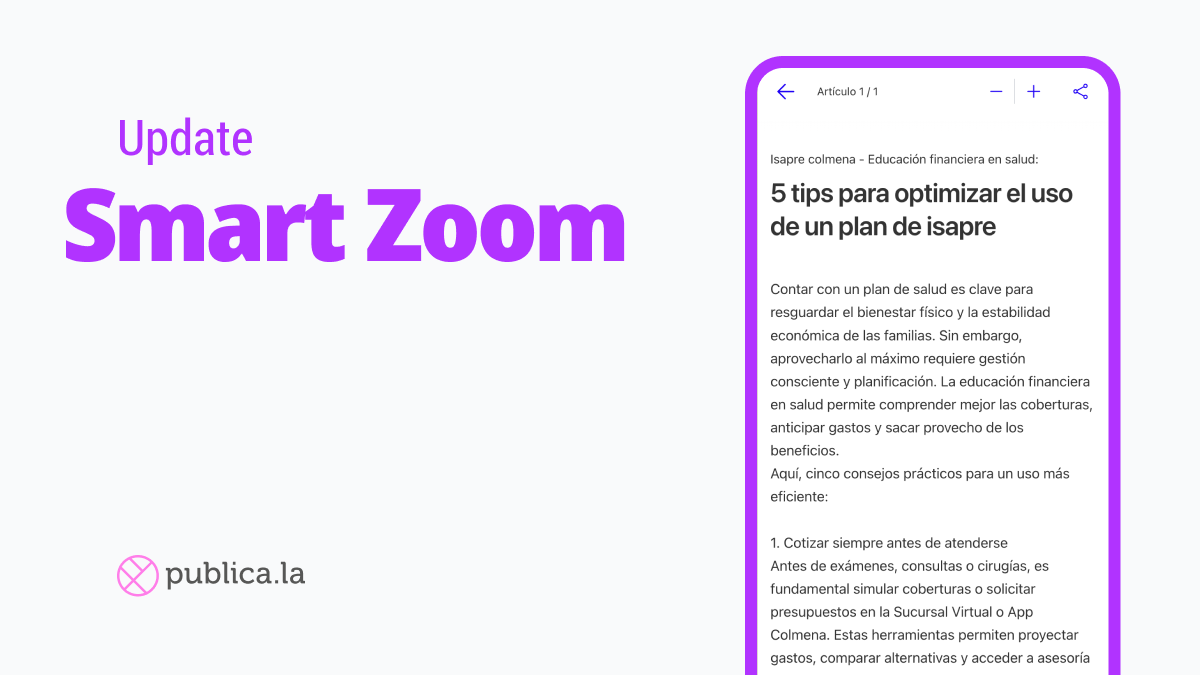
In our quest to provide you with an exceptional reading experience, we have made a series of enhancements to Smart Zoom. Here, we present the new features in detail, designed to elevate your PDFs to the next level of quality.
Smart Zoom Restyle
Smart Zoom Modal: We have updated the style of the modal window where articles are displayed. It is now fully aligned with the overall reader design, ensuring a coherent and aesthetically pleasing experience.
General Button in the Reader UI: This button has been redesigned to seamlessly integrate with the reader’s interface. This not only improves its appearance but also makes it easier to use.
Smart Zoom Icons on Page: The icons within the PDF documents have also been revamped. This not only enhances your reading but also maintains a consistent design at all times.
Improved Functionality
Improved Contrast: Enjoy optimized contrast that facilitates reading without being intrusive, allowing you to fully concentrate on the content.
Dynamic Size Adjustment: Icons now dynamically adjust their size based on the device and screen orientation, providing a more tailored and comfortable experience.
General Button Fix: We have fixed an issue where the main Smart Zoom button was not appearing on the inner and final pages of multi-page articles, ensuring its availability whenever you need it.
Explore these new enhancements and take your PDF reading experience to the next level with Smart Zoom! Stay tuned for more updates and continue to enjoy a more powerful and user-friendly reader.