Reembolsos parciales para suscripciones
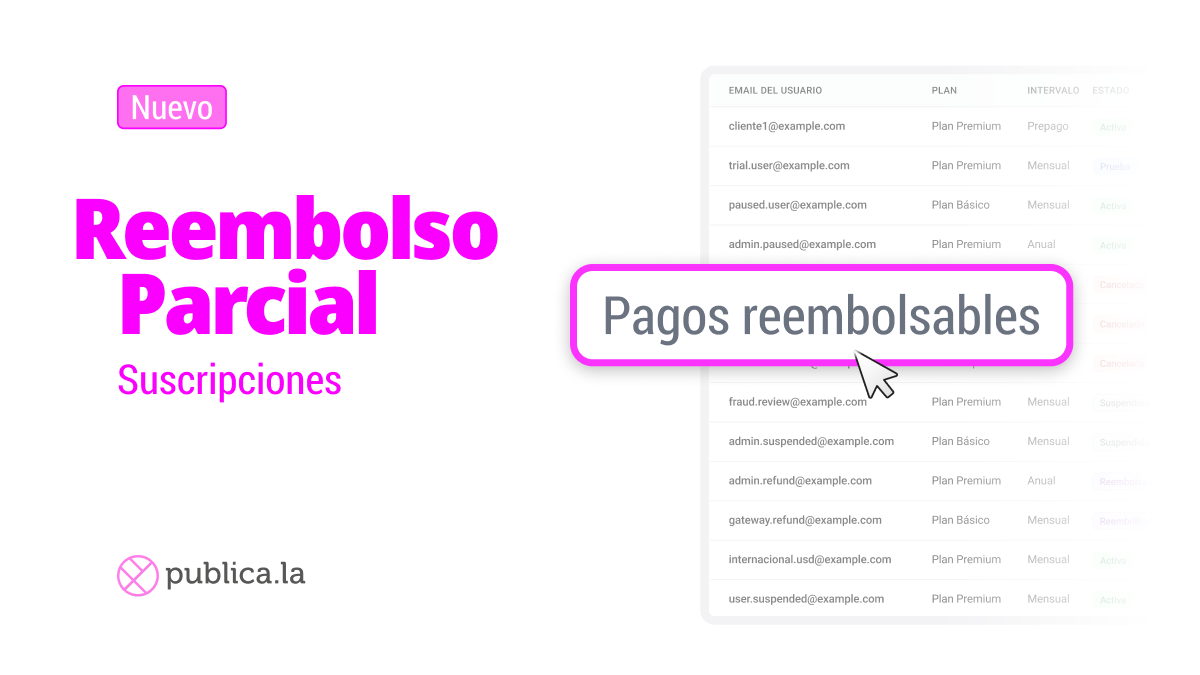
Realizá reembolsos parciales en suscripciones — sin cancelarlas.
A veces un cliente necesita un reembolso, pero eso no significa que quiera irse. Ahora podés emitir reembolsos parciales (o totales) sobre pagos individuales de suscripciones directamente desde tu dashboard, manteniendo la suscripción activa.
Creamos un flujo guiado que hace los reembolsos seguros y transparentes:
Seleccioná pagos específicos: elegí qué pago reembolsar del último ciclo de facturación — con montos, fechas y estado a la vista.
Reembolso parcial o total: ingresá un monto personalizado o reembolsá el pago completo. El sistema controla el saldo disponible para que nunca excedas lo reembolsable.
Revisá antes de confirmar: una pantalla de resumen muestra el monto del reembolso, email del cliente, plan y saldo restante antes de ejecutar.
Historial de reembolsos: cada pago muestra su historial de reembolsos, para que tu equipo siempre sepa qué ya fue procesado.
Todas las pasarelas de pago están soportadas.
💡 Detalle clave: la suscripción permanece activa después del reembolso — no se revoca el acceso, y el próximo ciclo de facturación continúa con normalidad.
➡️ Buscá la opción "Pagos reembolsables" en el menú de acciones de la suscripción.
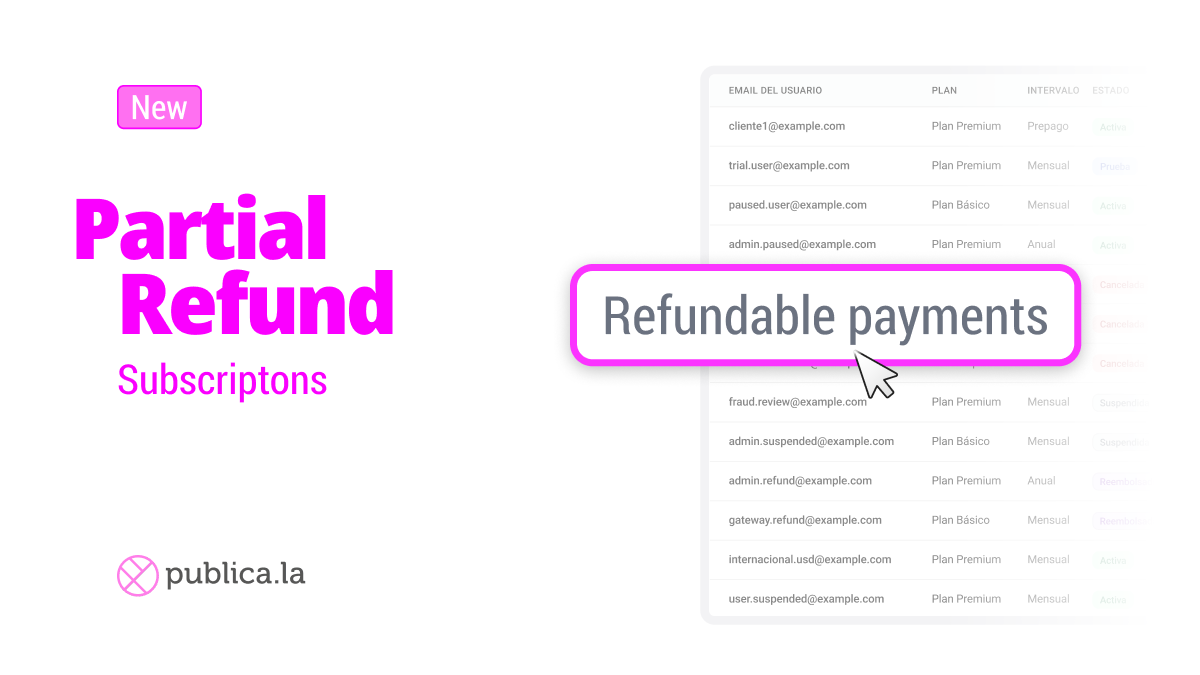
Partial refunds for subscriptions
Issue partial refunds on subscriptions — without canceling them.
Sometimes a customer needs a refund, but that doesn't mean they want to leave. Now you can issue partial (or full) refunds on individual subscription payments directly from your dashboard, while keeping the subscription active.
We built a guided flow that makes refunds safe and transparent:
Select specific payments: choose which payment to refund from the latest billing cycle — see amounts, dates, and status at a glance.
Partial or full refund: enter a custom amount or refund the entire payment. The system tracks the available balance so you never exceed what's refundable.
Review before confirming: a summary screen shows the refund amount, customer email, plan, and remaining balance before you commit.
Refund history: every payment displays its refund history, so your team always knows what's already been processed.
All gateways are supported.
💡 Key detail: the subscription stays active after the refund — no access is revoked, and the next billing cycle continues as normal.
➡️ Look for the "Refundable Payments" option in the subscription actions menu.